
Silicon Labs EFR32MG21 Zigbee 3.0 USB Dongle for Home Assistant with +20dBm Output Gain and Pre-flashed EZSP v8 Firmware


Silicon Labs EFR32MG21 Zigbee 3.0 USB Dongle for Home Assistant with +20dBm Output Gain and Pre-flashed EZSP v8 Firmware
Silicon Labs EFR32MG21 Zigbee 3.0 USB Dongle for Home Assistant and Smart Home Hubs
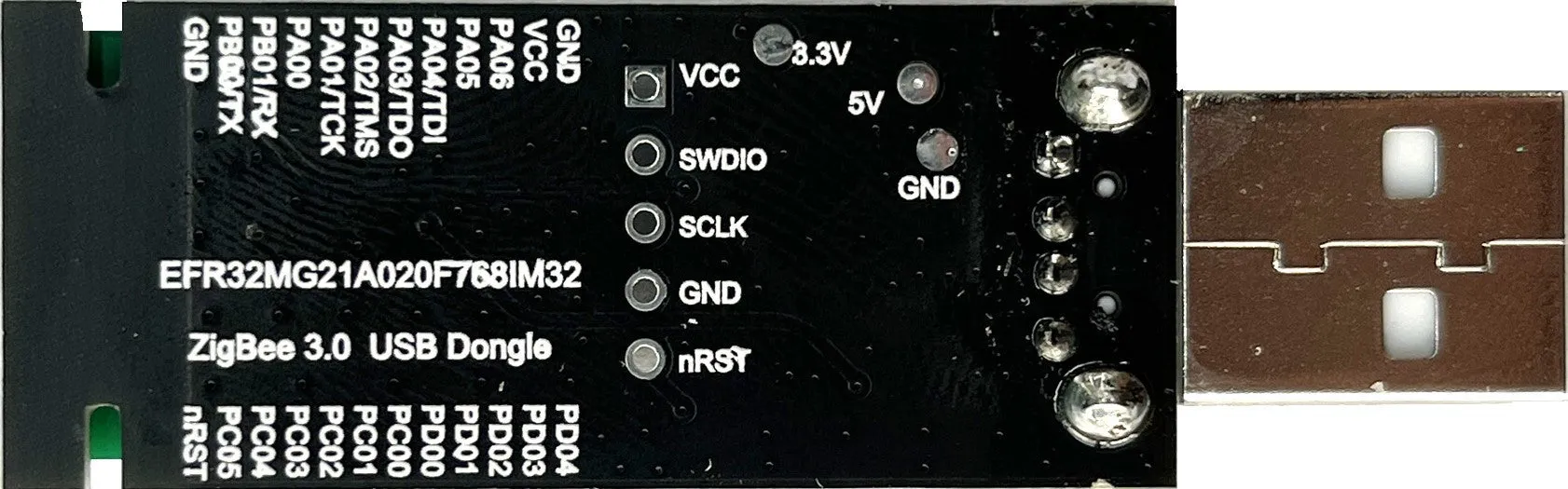
This USB dongle acts as a Zigbee 3.0 network coordinator, bridging the gap between Zigbee wireless devices and popular smart home software platforms. Based on the Silicon Labs EFR32MG21 system-on-chip and a CH340E USB-to-serial interface, it is designed for users seeking to build or expand a local Zigbee network without proprietary hubs. The device arrives ready to use, pre-configured with EmberZNet Serial Protocol version 8 firmware. Its compatibility extends to open-source solutions like ZHA within Home Assistant and the Zigbee2MQTT project, offering flexibility for advanced setups. Please note that while it follows Zigbee standards, compatibility with all third-party gateway software is not guaranteed and may require verification.
Hardware Specifications and Core Features

The dongle's performance is built around key hardware components that define its capability within a Zigbee network.
Radio Performance and Antenna
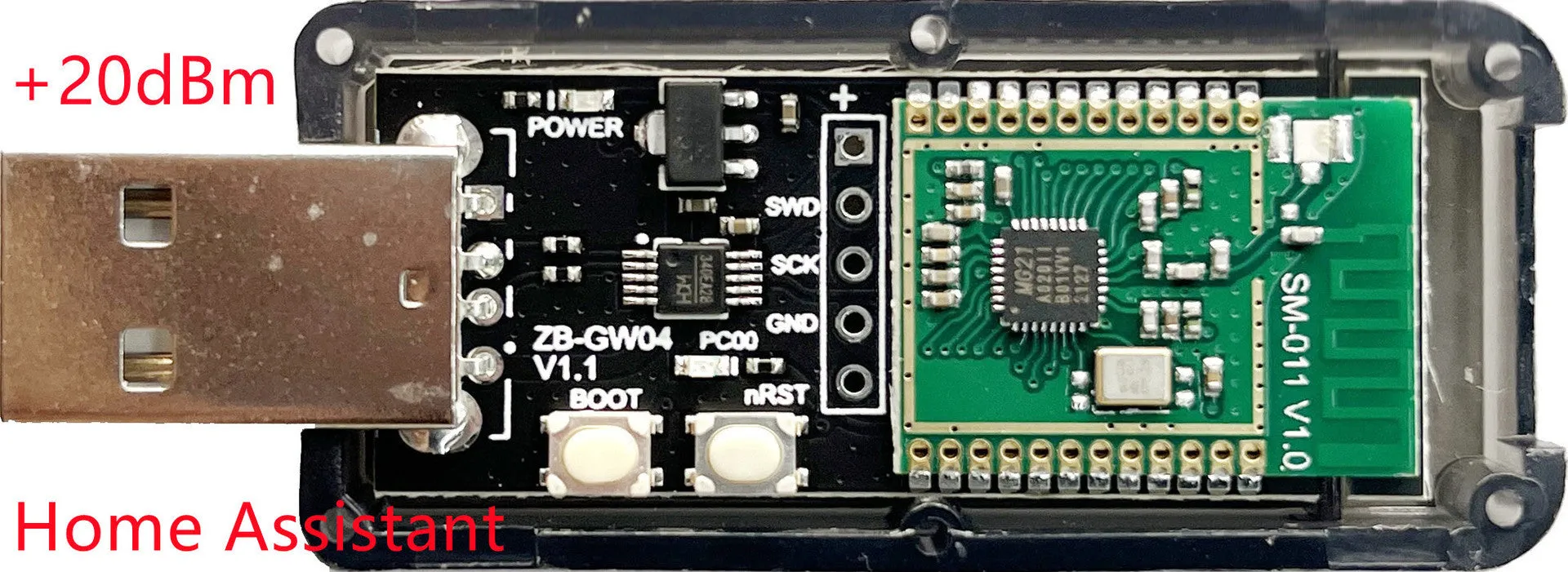
A central feature is the +20dBm output gain, which provides a stronger transmission signal compared to many standard dongles. This increased gain can help extend the effective range of your Zigbee network, potentially improving device connectivity in larger homes or environments with signal obstacles. The signal is broadcast via an integrated PCB antenna, a compact and reliable solution housed within the device's plastic shell. This combination aims for a balance of performance and practical, plug-and-play form factor.
Connectivity and Interface
Connection to your host computer or server is made via the included USB interface. The onboard CH340E chip handles USB-to-serial conversion, presenting the dongle as a serial device to your operating system. Communication with the host software, such as Home Assistant, occurs at a 115200 baud rate. The physical unit features two buttons: a BOOT button and an nRST (reset) button. These are primarily used for initiating manual firmware update procedures via the UART interface, providing a method for advanced users to maintain their coordinator's software.
Software Integration and Use Cases
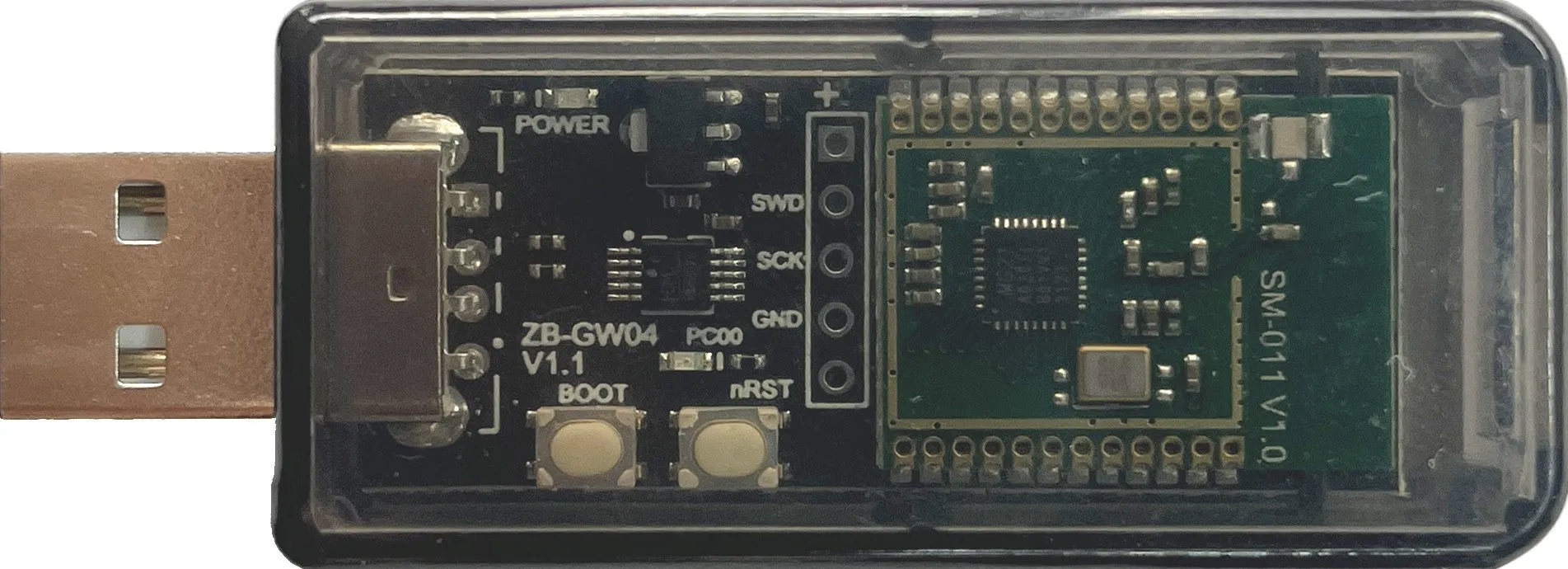
This dongle's value is realised through its integration with software that manages the Zigbee network and connected devices.
Home Assistant and ZHA
One of the primary use cases is integration with Home Assistant using its built-in ZHA (Zigbee Home Automation) integration. When set up with ZHA, the dongle becomes the central coordinator for all Zigbee devices on your network, allowing for local control and automation without cloud dependency. This setup is ideal for users invested in the Home Assistant ecosystem who want to bring Zigbee sensors, lights, and switches into their automated home.
Zigbee2MQTT and Advanced Setups
For users who prefer the Zigbee2MQTT platform or require its specific features and broader device support, this dongle is also compatible. It can serve as the hardware coordinator for a Zigbee2MQTT instance, translating Zigbee messages to and from an MQTT broker. This setup offers extensive device support and detailed logging, appealing to technical users building complex, multi-vendor smart home networks outside of a specific hub ecosystem.
Practical Considerations and Setup
Understanding the operational aspects ensures a smooth integration into your smart home.
Firmware and Updates
The dongle ships with EZSP v8 firmware pre-installed, meaning it is operational out of the box for supported software. It supports Over-The-Air (OTA) updates via its UART interface. The process for manually triggering an update sequence involves pressing and holding the BOOT button, then momentarily pressing and releasing the nRST button, before finally releasing the BOOT button. This allows for future firmware upgrades to be applied as they become available, potentially adding new features or improving stability.
Placement and Network Health
For optimal performance, consider the physical placement of the USB dongle. Being a coordinator, its location can significantly impact network stability. It is generally advised to position it centrally relative to your Zigbee devices, using a USB extension cable if necessary to avoid USB port interference and achieve a better vantage point. The +20dBm output gain aids in this, but thoughtful placement remains key to building a robust and reliable mesh network with strong signal coverage throughout your intended area.