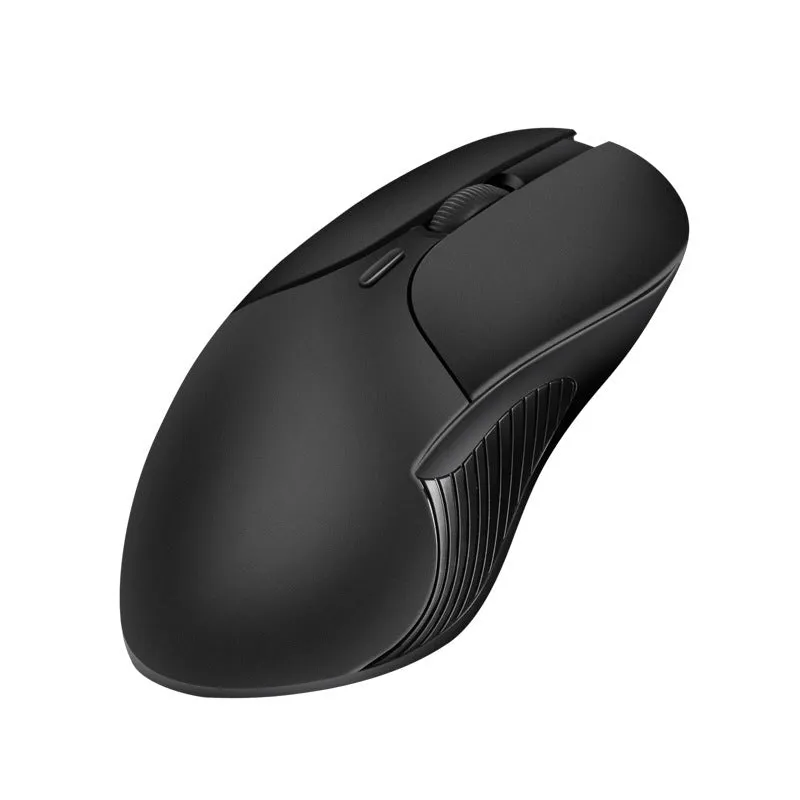
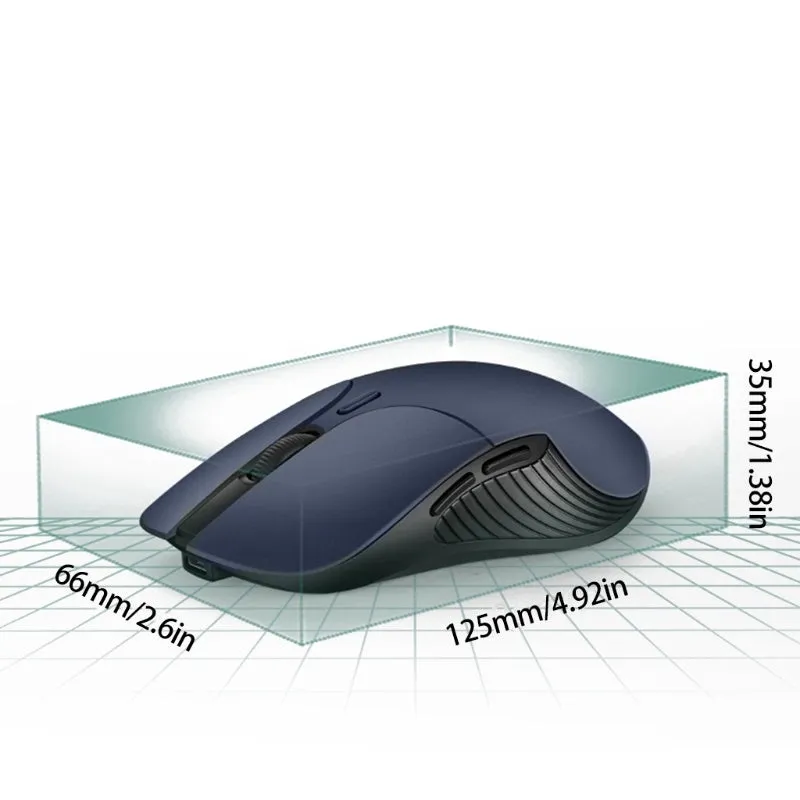
Smart Voice Mouse 2.4G wireless computer mouse with built-in translator, rechargeable cordless design using ABS and PC plastic materials, measuring 66 x 125 x 35 mm and weighing 0.3 kg, in a blue colour option with voice-activated translation control.


Smart Voice Mouse 2.4G wireless computer mouse with built-in translator, rechargeable cordless design using ABS and PC plastic materials, measuring 66 x 125 x 35 mm and weighing 0.3 kg, in a blue colour option with voice-activated translation control.
Smart Voice Mouse 2.4G: A Rechargeable Wireless Mouse with Built-In Voice Translation
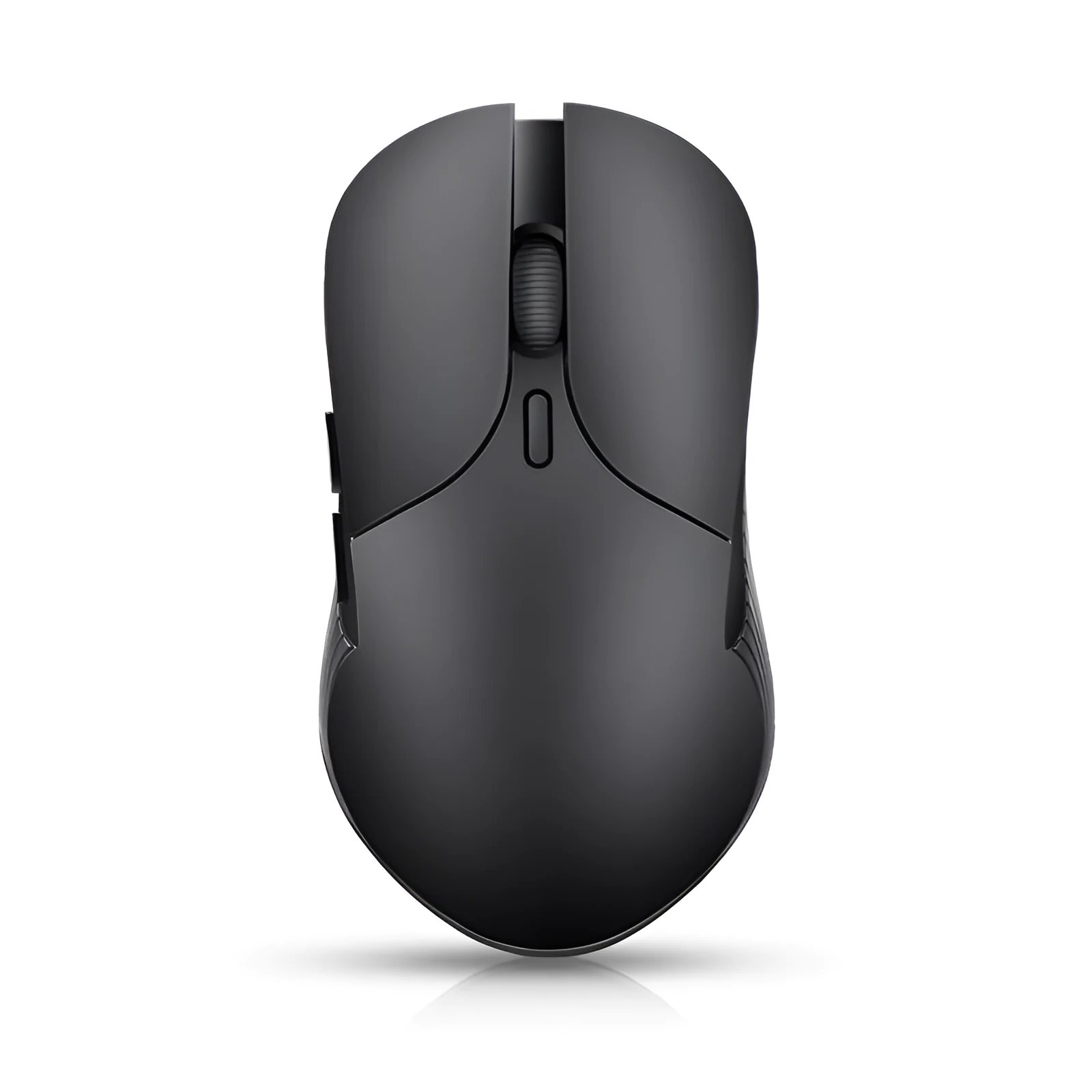
Streamline your multilingual computing tasks with the Smart Voice Mouse 2.4G, a practical peripheral that combines standard wireless mouse functionality with an integrated voice translator. This device connects to your PC or laptop via a stable 2.4GHz wireless signal, providing a reliable link from up to 15 metres away, which is useful for presentations or flexible desk arrangements. Its defining feature is a dedicated voice control button that activates real-time translation, offering a hands-free solution for communication, content creation, and accessibility. Designed to be rechargeable, it avoids the ongoing cost and waste of disposable batteries. With its compact, blue-coloured body made from ABS and PC plastics, it presents a functional tool for professional, educational, and home office environments where quick language assistance is needed without switching between multiple devices.
Features and Construction
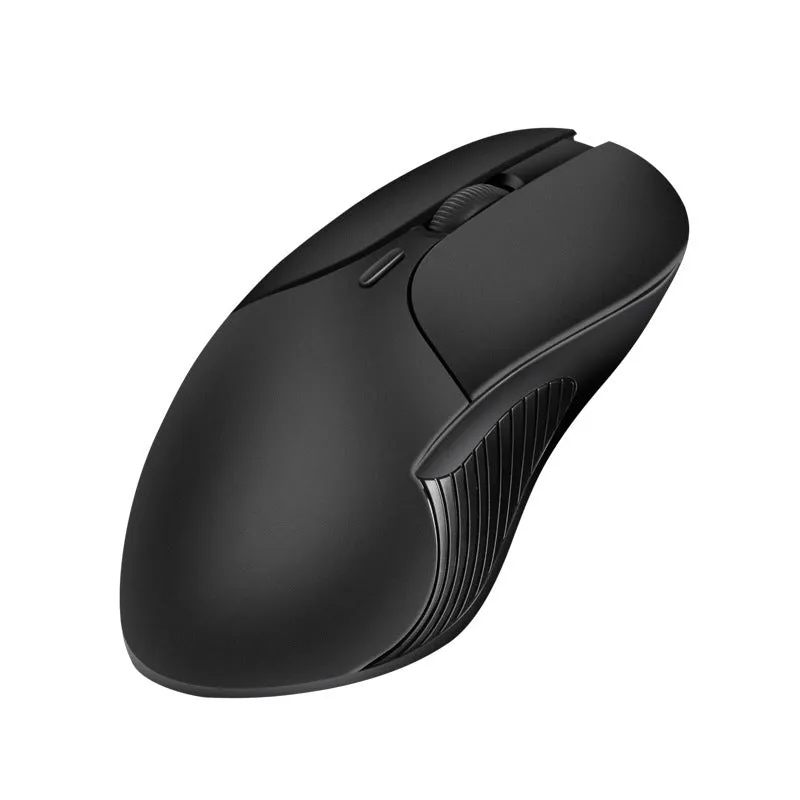
This mouse is built around several core specifications that define its capabilities and physical form. It is designed as a single, integrated unit with no optional modular parts mentioned, focusing on delivering its stated features through a specific construction and size.
Material and Build
The housing of the Smart Voice Mouse is manufactured from a blend of ABS (Acrylonitrile Butadiene Styrene) and PC (Polycarbonate) plastics. These are common engineering thermoplastics used in electronics for their good structural strength, impact resistance, and ability to be moulded into precise shapes. The combination typically results in a rigid shell that can withstand the physical demands of daily use as a computer accessory. The materials are chosen for their practical performance in creating durable consumer electronics, not for aesthetic claims. The product supports custom logo printing, indicating a matte or smooth finish suitable for branding purposes.
Size and Practical Fit
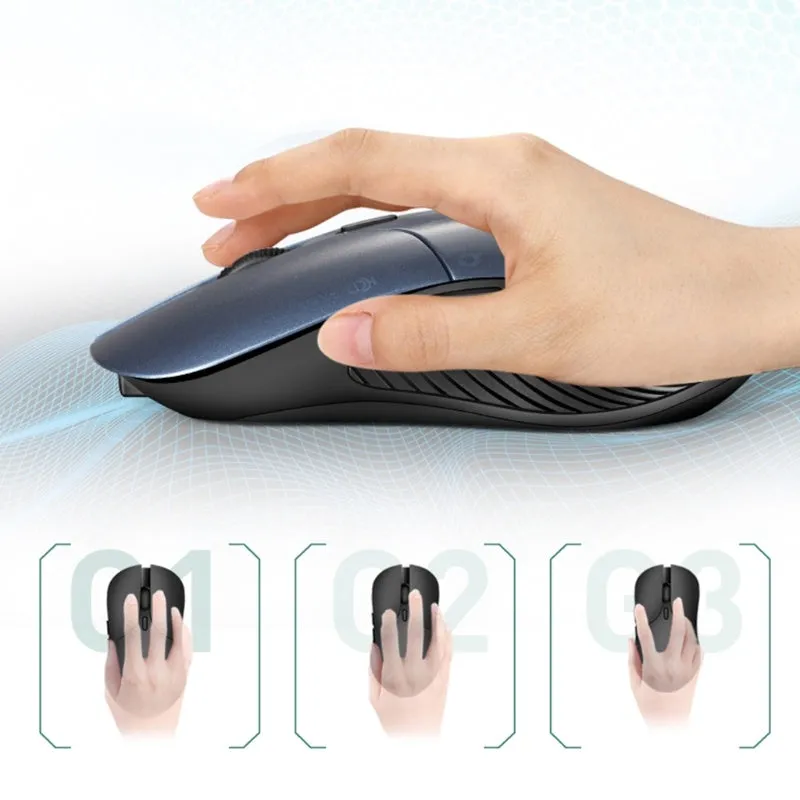
The mouse's dimensions are precisely stated as 66 mm in width, 125 mm in length, and 35 mm in height, with a total weight of 0.3 kg. This places it within the standard size range for a computer mouse, making it suitable for average adult hand sizes. Its proportions are designed to fit comfortably on a desk mat or directly on a work surface without occupying excessive space. The weight contributes to a stable feel during use, preventing unwanted skidding while allowing for easy repositioning. These measurable specs ensure the product will integrate seamlessly into most existing desktop setups, whether in a home study, office cubicle, or shared workspace.
Uses and Placement

The primary application of this device extends beyond basic cursor control due to its integrated translation feature. It is suited for environments where crossing language barriers quickly is a practical necessity, rather than a luxury. Its wireless nature and specific feature set guide its ideal placement in both formal and informal settings.
Event or Professional Use
In professional scenarios such as international video conferences, business meetings with foreign clients, or multilingual training sessions, the voice translation function can provide immediate, on-the-fly interpretation of spoken phrases. The 15-metre wireless range allows the user to move around a presentation room while maintaining control of their computer and accessing translation. It serves as a discreet tool for moderators, trainers, or participants who need to understand or respond in another language without interrupting the flow of discussion with separate translation apps or devices.
Everyday Home Use
For home offices, remote work, or personal computing, the mouse offers a convenient way to handle multilingual emails, documents, or website content. Students learning a language can use it to quickly check pronunciations or meanings. The rechargeable battery is practical for daily use, eliminating the hassle of buying and replacing batteries. Its standard mouse functionality ensures it remains useful for all everyday computing tasks, from browsing the web to graphic design, making it a versatile single-device solution for a desk that values both utility and space efficiency.
Benefits and Buying Value
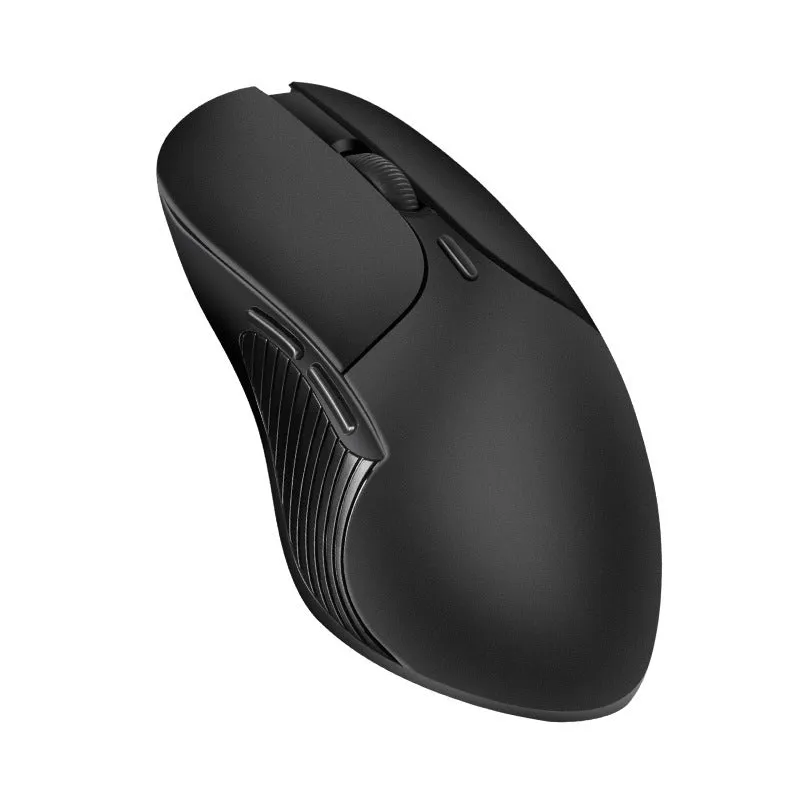
The value of this product lies in its combination of two distinct functionalities into one reliable peripheral, reducing device clutter and potentially simplifying workflows. It addresses specific, practical needs with a clearly defined set of supported features and physical specifications.
Reuse and Low Maintenance
As a rechargeable device, it is designed for long-term reuse without the recurring expense and environmental impact of disposable batteries. The stated materials (ABS+PC) are selected for their longevity in typical office environments. Maintenance is straightforward: keeping the optical sensor clean and occasionally charging the internal battery. The product does not require specialist care, aligning with the low-maintenance expectations for a plug-and-play computer accessory. Its durability is tied to the known performance parameters of its constituent plastics under normal operating conditions.
Why Choose This Product
Choose this Smart Voice Mouse if your primary need is a reliable wireless mouse that also provides immediate voice translation capability without requiring additional hardware or complex software setup. Its value is clear when compared to using a standard mouse alongside a separate translation app or device; it consolidates the function into one unit you already use. The concrete differentiators are its 15-metre wireless range, rechargeable battery, specified dimensions, and the inclusion of a dedicated translation button. It is a functionally expanded tool for users who have a verified, recurring need for quick language assistance integrated directly into their computer interaction.