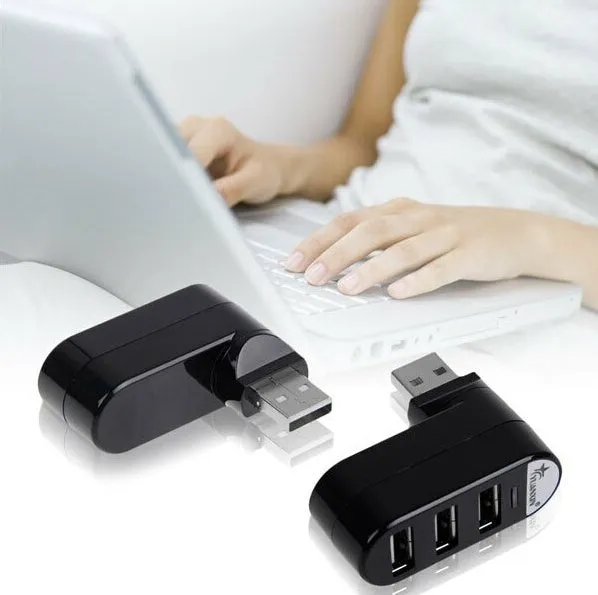
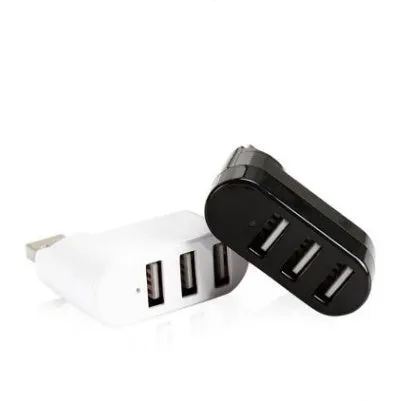
USB 2.0 hub splitter with multi-interface expansion ports in black or white spin-colour design, providing high-speed data transfer and extra USB connectivity for laptops, desktop computers, and workstations requiring additional peripheral connections


USB 2.0 hub splitter with multi-interface expansion ports in black or white spin-colour design, providing high-speed data transfer and extra USB connectivity for laptops, desktop computers, and workstations requiring additional peripheral connections
USB 2.0 Multi-Interface Hub Splitter with High-Speed Expansion and Black or White Colour Options
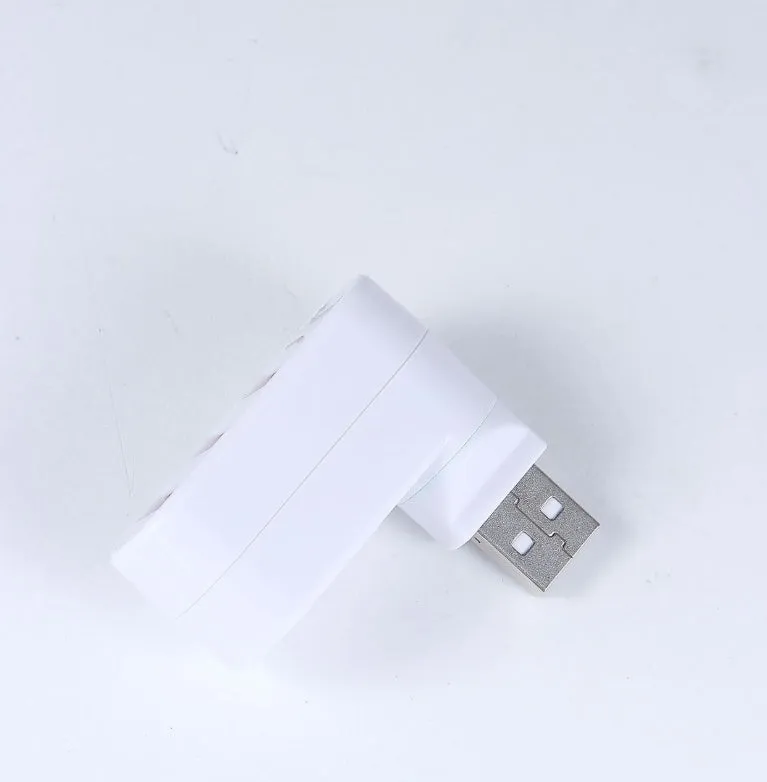
This USB 2.0 hub splitter addresses the common limitation of insufficient USB ports on modern computers and laptops, providing additional connectivity for multiple peripheral devices simultaneously. Designed as a multi-interface expansion hub, it enables users to connect keyboards, mice, external storage devices, printers, and charging cables through a single computer USB port. Available in both black and white colour variants with a spin-colour design, the hub offers visual appeal while maintaining practical functionality for office environments, home workstations, and educational settings. The plug-and-play installation requires no additional software for basic operation, making it accessible for users with varying technical experience levels.
Features and Construction
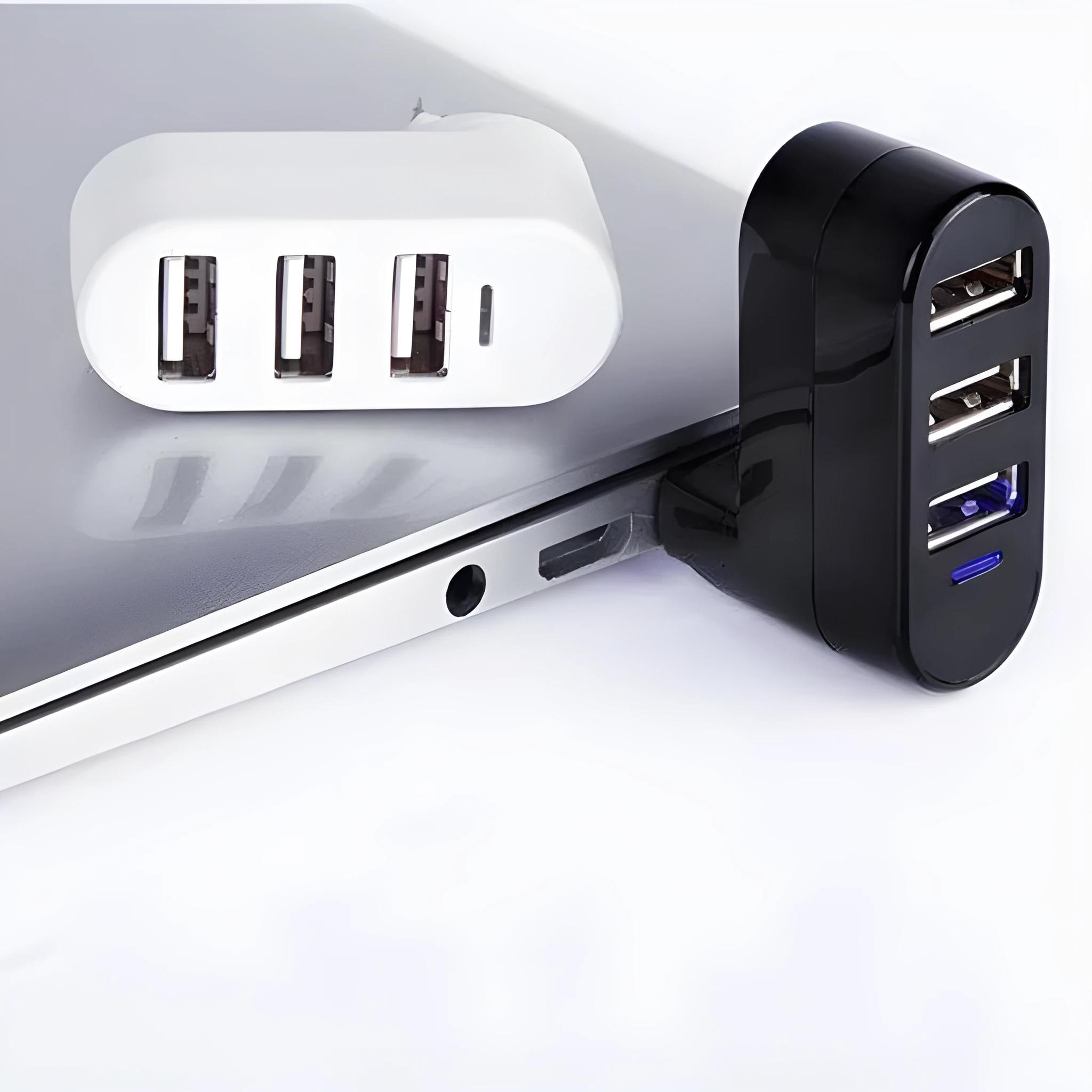
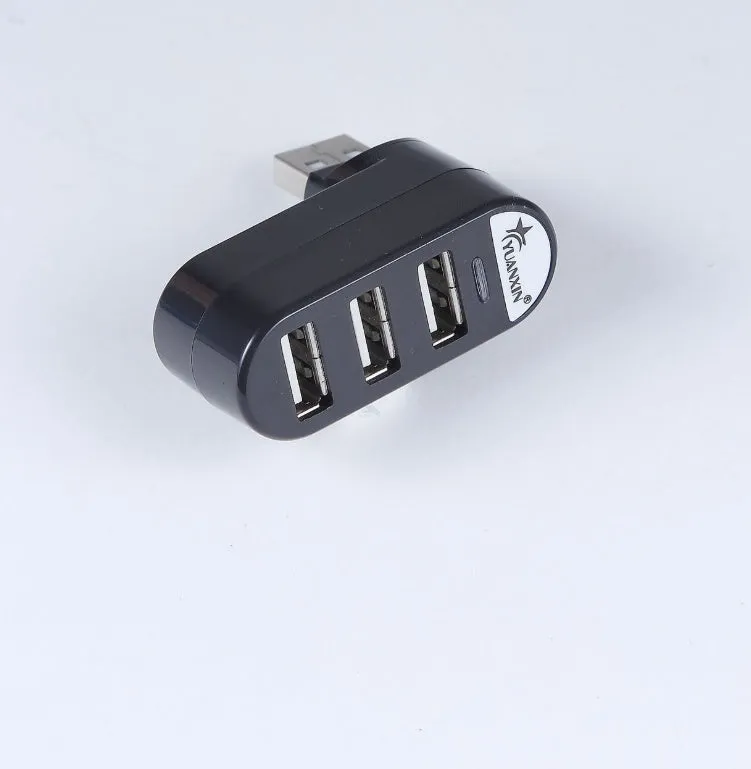
The USB hub's construction centres on USB 2.0 technology, providing data transfer speeds suitable for most peripheral devices. The multi-interface design allows connection of various USB-compatible equipment through standard USB ports.
Material and Build
Constructed with USB 2.0 compliant electronic components, the hub maintains compatibility with a wide range of computing devices. The physical connectors use standard USB materials designed for repeated connection cycles without performance degradation. The spin-colour design provides visual distinction between ports while maintaining a cohesive appearance that complements both black and white computer equipment.
Size and Practical Fit
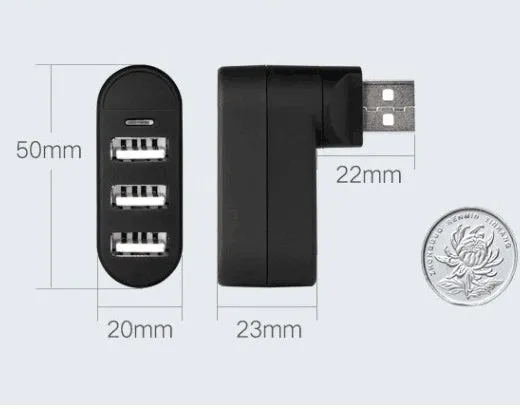
While specific dimensions aren't provided, the compact form factor allows placement near computer workstations without occupying excessive desk space. The design accommodates multiple USB cables without creating tangled connections, with sufficient spacing between ports to prevent interference when using larger USB connectors or adapters.
Uses and Placement
The USB hub serves multiple application scenarios where additional USB connectivity enhances productivity and device management. Its versatility supports both professional and personal computing requirements.
Event or Professional Use
In office environments, the hub enables connection of essential peripherals like document scanners, barcode readers, and presentation remotes alongside standard input devices. Event setups benefit from the ability to connect multiple charging cables, audio interfaces, or temporary storage devices through a single computer port. The black or white colour options allow matching with existing office equipment colour schemes for a coordinated appearance.
Everyday Home Use
Home computer users can connect gaming accessories, external hard drives, webcams, and smart home controllers simultaneously. The hub facilitates charging multiple smartphones, tablets, or wireless headphones from a single computer USB port. Students benefit from connecting printers, graphics tablets, and flash drives for coursework while maintaining keyboard and mouse connections.
Benefits and Buying Value
The USB 2.0 hub provides practical advantages through expanded connectivity and device management capabilities without requiring complex installation procedures.
Reuse and Low Maintenance
The durable construction supports repeated connection cycles with various USB devices. No specialist maintenance is required beyond keeping ports free from dust and debris. The hub maintains functionality across computer upgrades, providing lasting value as a connectivity solution that works with multiple generations of USB-equipped devices.
Why Choose This Product
This USB hub offers straightforward expansion of USB ports without compatibility concerns for most peripheral devices. The choice between black and white colour options provides flexibility to match existing computer setups. The plug-and-play functionality ensures immediate usability without technical configuration, making it suitable for users seeking simple, effective USB connectivity expansion.