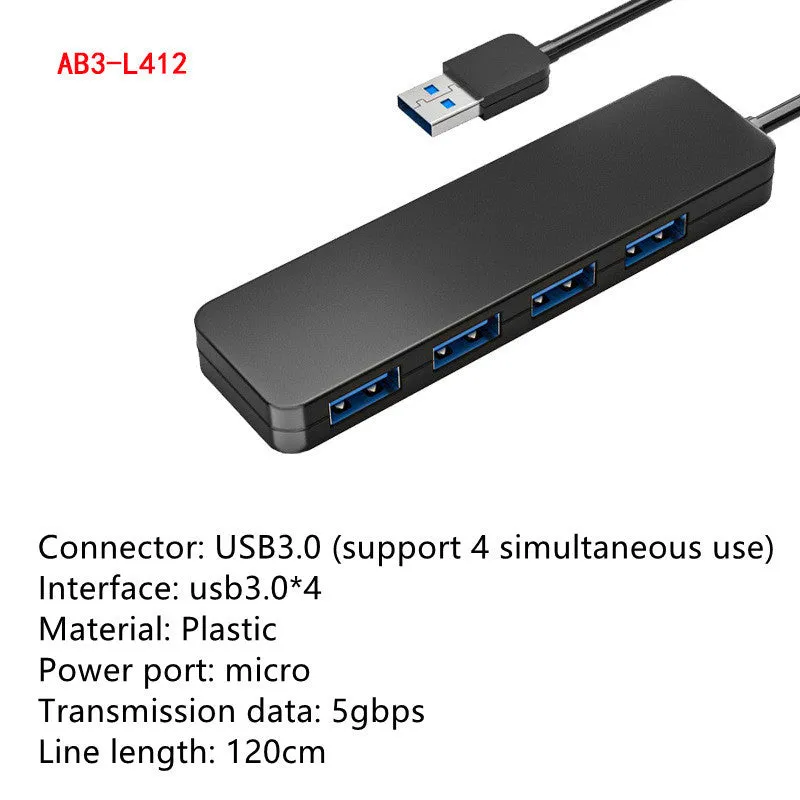
USB 3.0 Hub Splitter High Speed 4-Port Portable Laptop Computer Accessory with USB Cable and LED Indicators for Windows MAC Plug-and-Play Data Transfer and Peripherals Connectivity


USB 3.0 Hub Splitter High Speed 4-Port Portable Laptop Computer Accessory with USB Cable and LED Indicators for Windows MAC Plug-and-Play Data Transfer and Peripherals Connectivity
4-Port USB 3.0 Hub: High-Speed Data Transfer and Peripheral Expansion for Laptops and Desktops

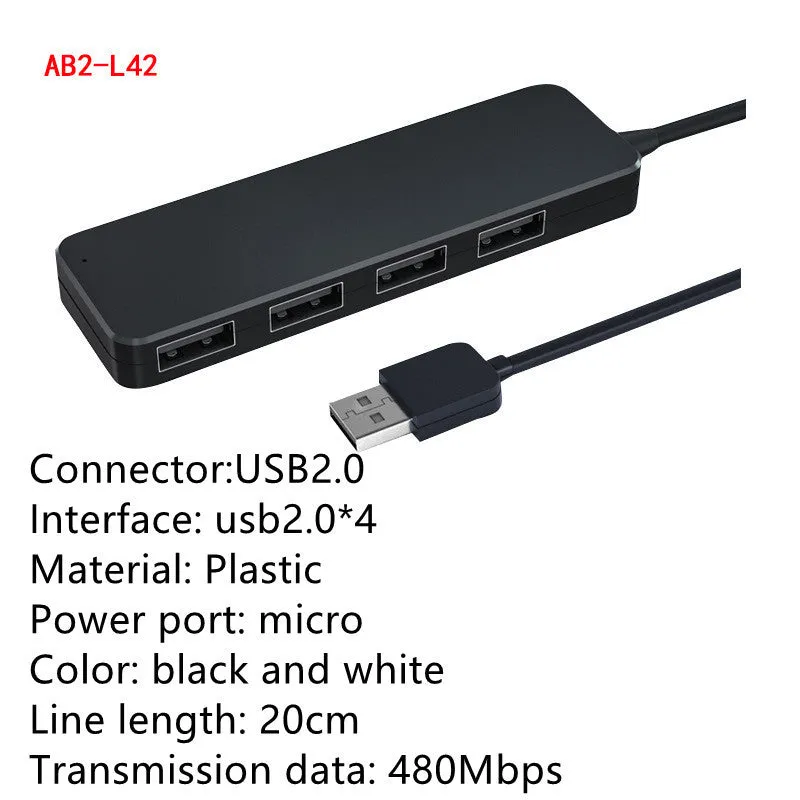
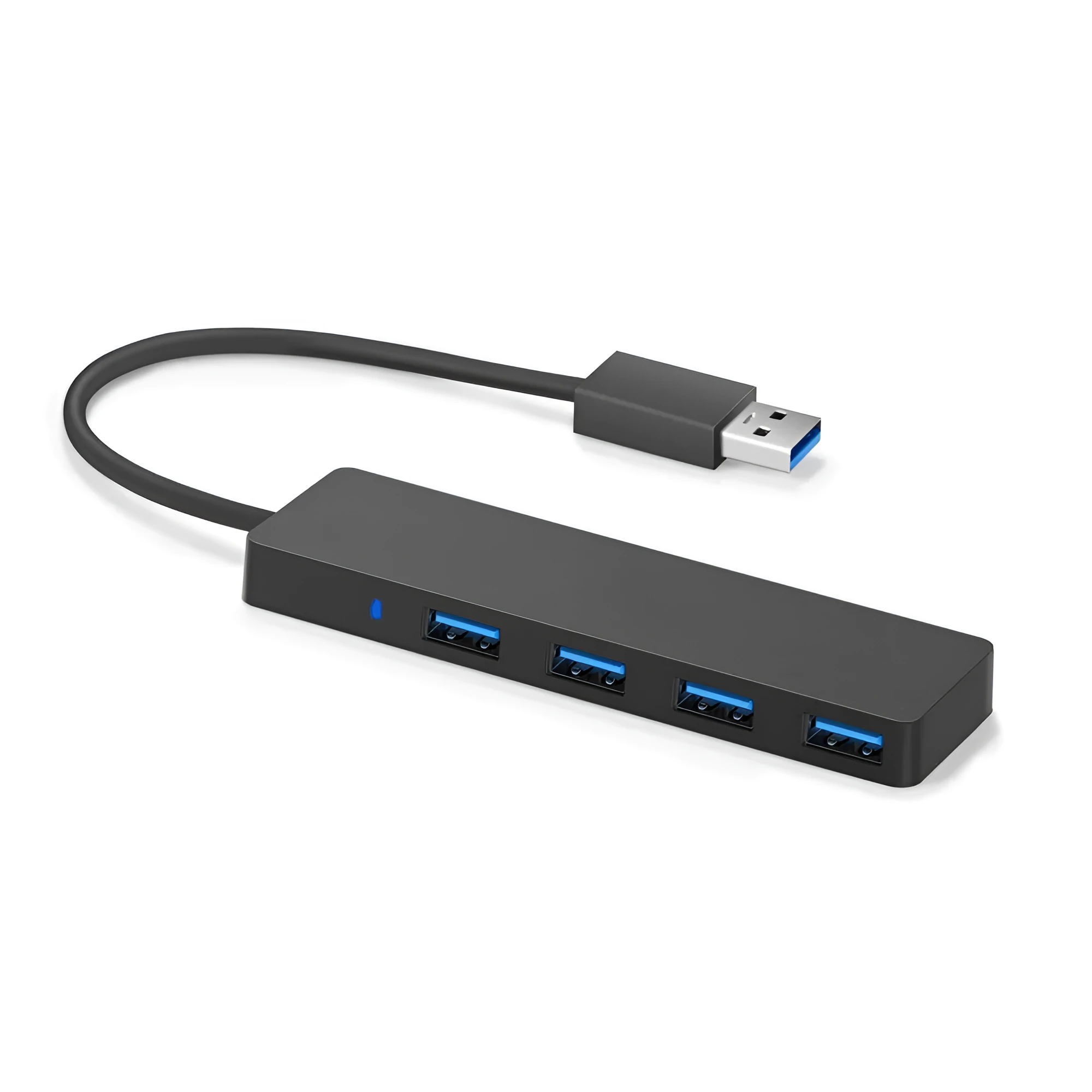
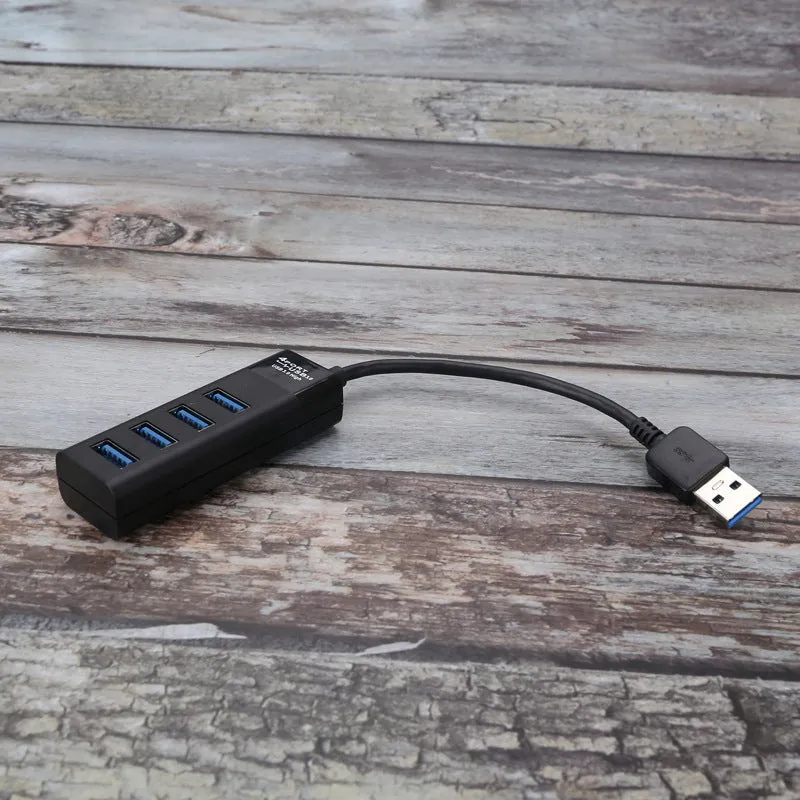
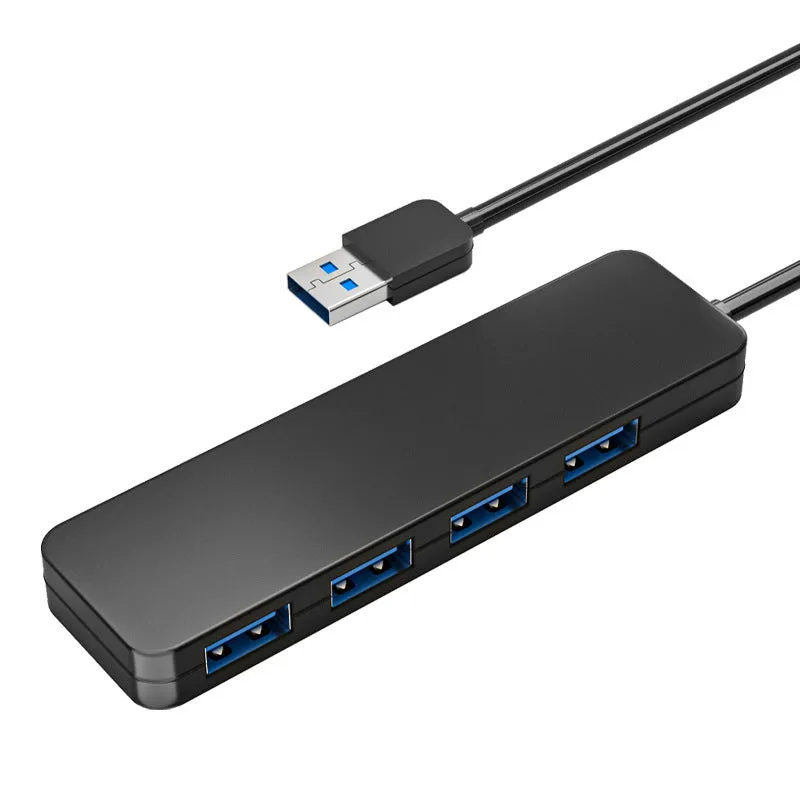
Modern laptops and compact desktop computers often come with a limited number of USB ports, which can be a significant constraint when you need to connect multiple devices like external hard drives, USB flash drives, a mouse, a keyboard, or a printer. This USB 3.0 hub provides an immediate and straightforward solution, expanding a single USB port on your host computer into four fully functional, high-speed ports. It is designed for plug-and-play use, meaning no complicated software installation is required—simply connect it, and it's ready to use. The hub is fully backward compatible, so you can connect your older USB 2.0 and USB 1.1 devices without losing functionality, making it a versatile tool for decluttering your workspace and organising your essential peripherals.
Features and Construction
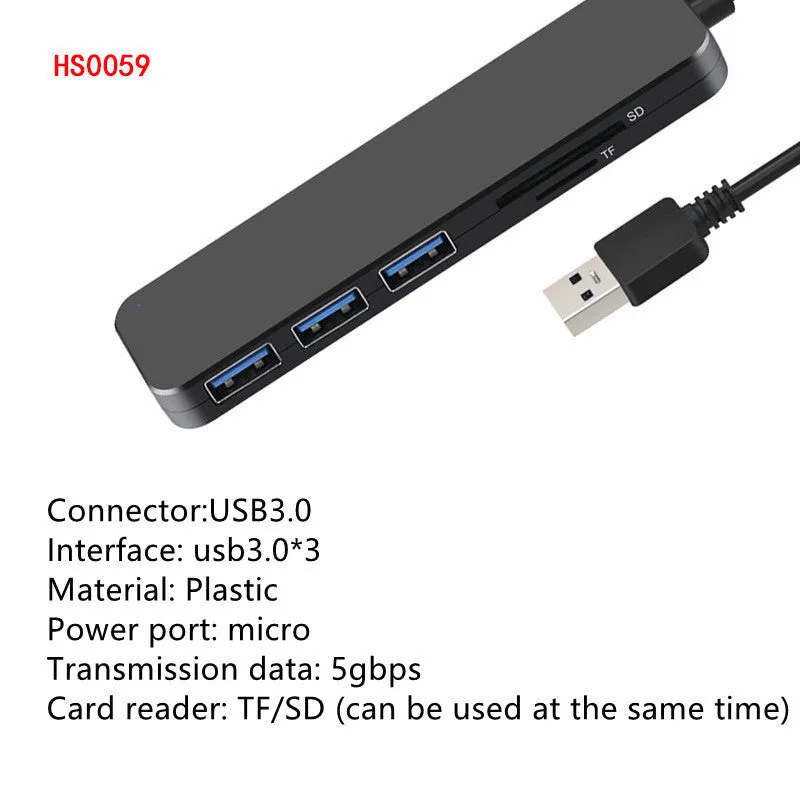
This hub is built around the USB 3.0 standard, offering practical features for daily computing. Its design prioritises reliable connectivity and user convenience, integrating useful status indicators and protection circuitry.
Material and Build
The hub's casing is constructed from durable plastic with a matte black finish, providing a neutral look that fits most desk setups. Internally, the electronic circuitry is designed to manage data traffic between the computer and up to four connected devices simultaneously. A key built-in feature is the current overload detection and protection function, which helps safeguard both the hub and your connected peripherals from potential electrical issues, adding a layer of reliability to your setup.
Size and Practical Fit
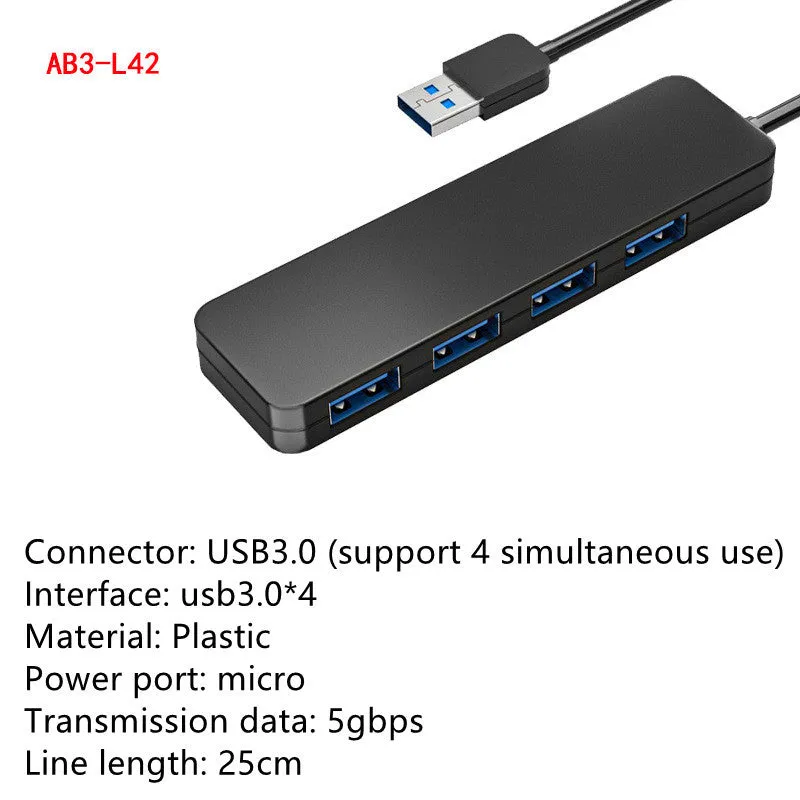
The hub itself is compact and lightweight, designed not to occupy excessive desk space. It is supplied with a fixed, integrated USB 3.0 cable that measures 30 cm in length. This cable length offers flexibility in positioning the hub on your desk, allowing you to place it within easy reach for frequently connected devices like USB drives, while keeping the main computer further away. The hub's portable nature also makes it easy to pack and use with a laptop in different locations.
Uses and Placement
This device serves as a central connectivity point for a wide range of USB accessories, suitable for various environments from home offices to professional settings. Its plug-and-play nature removes technical barriers to use.
Event or Professional Use
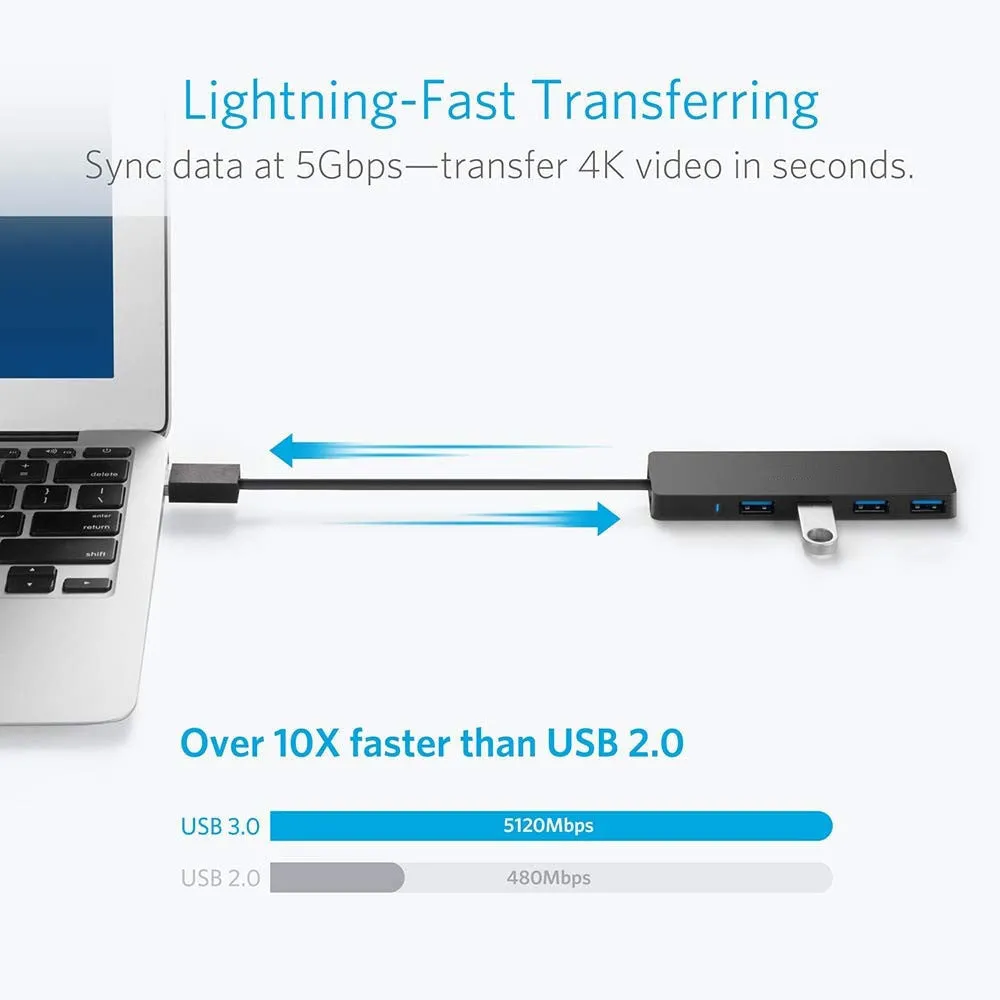
For professionals needing to transfer large project files, photos, or video footage quickly, the hub's 5 Gbps transfer speed is a practical advantage over older USB 2.0 hubs. Photographers or videographers can connect multiple card readers or external drives to offload content efficiently. In office or event settings, it allows a single laptop to connect to a presentation clicker, a wireless mouse, and a USB speaker simultaneously, facilitating smooth presentations and meetings without the need to constantly swap cables.
Everyday Home Use
At home, the hub is ideal for simplifying a family computer setup. It can permanently host connections for a wireless keyboard and mouse dongle, a webcam for video calls, and a portable hard drive for backups, freeing up the computer's built-in ports for other temporary uses. Students can use it to connect a graphics tablet, a USB fan, and a flash drive for coursework. The individual LED indicators for each port provide immediate visual confirmation that a device is connected and powered, which is helpful for troubleshooting or simply knowing what's active.
Benefits and Buying Value
The value of this hub lies in its ability to extend the useful life and functionality of your existing computer equipment through simple, reliable expansion. It addresses a common hardware limitation with a low-maintenance solution.
Reuse and Low Maintenance
Because the hub supports older USB standards, it allows you to continue using legacy peripherals you may already own, such as older printers or scanners, alongside newer high-speed devices. This extends the utility of your investments. Maintenance is minimal; there are no drivers to update or manage, and the device is designed for hot-plugging, so you can connect and disconnect peripherals as needed without disrupting your computer's operation.
Why Choose This Product
This hub offers a focused set of features based on the USB 3.0 standard: four ports, high-speed data transfer, clear status indicators, and integrated safety protection. It provides a direct solution to the problem of insufficient ports without unnecessary complexity. When compared generically to hubs without these specific features, it offers the practical advantages of faster file transfers, visual connection feedback, and a degree of electrical protection for your devices, all in one compact unit that works immediately with both Windows and Mac systems.