Wireless Bluetooth Writing Form Drawing PPT Office Multi-language Translation Smart Mouse Chinese Version Foreign Edition White 0.5m Cable 110x65x38cm Office Work Presentation Graphic Input Device


Wireless Bluetooth Writing Form Drawing PPT Office Multi-language Translation Smart Mouse Chinese Version Foreign Edition White 0.5m Cable 110x65x38cm Office Work Presentation Graphic Input Device
Wireless Bluetooth Writing Form Drawing PPT Office Multi-language Translation Smart Mouse for Work
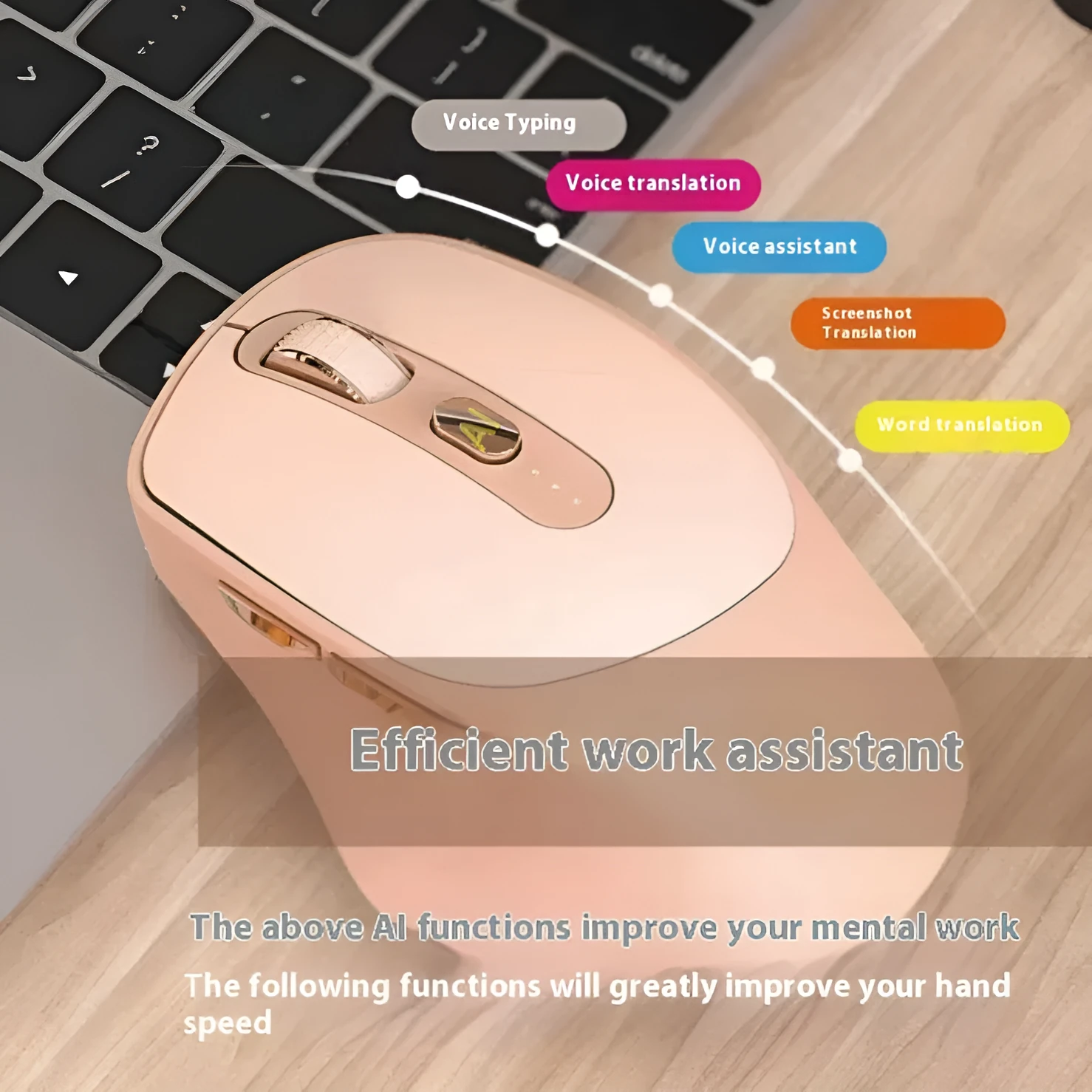
This wireless smart mouse combines everyday office navigation with writing, drawing, PPT control, and multi-language translation in one device. It reduces desk clutter by replacing separate input tools and translation gadgets. Connecting via Bluetooth, it keeps your workspace cable-free while the charging mode and included 0.5-metre cable ensure power is always available. Suitable for professionals who present, fill forms, or need quick translation during meetings, this mouse offers practical versatility without extra hardware.
Features and Construction
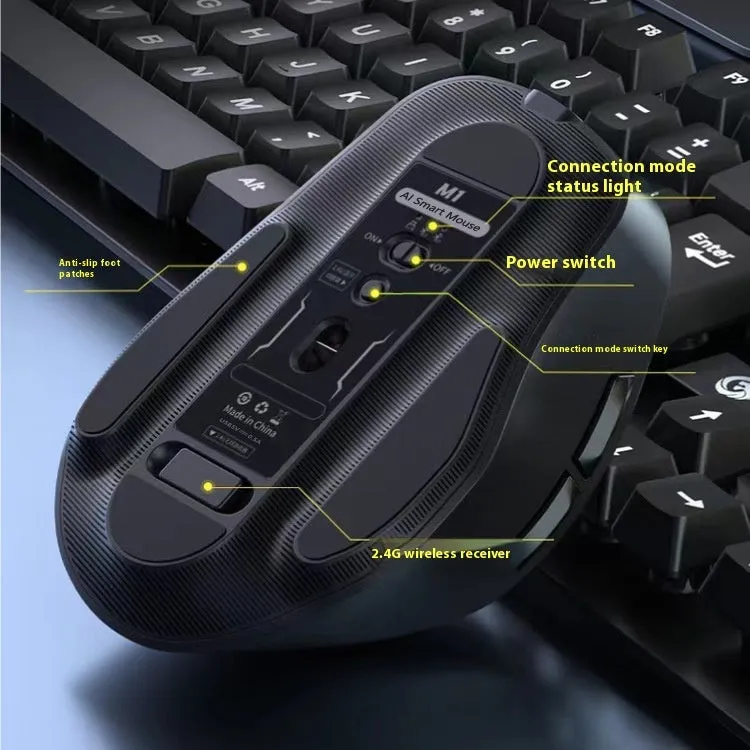
The mouse is built for multifunctional office use, with a compact design that fits standard hand sizes. Its white colour suits most desk setups.
Wireless Bluetooth Connectivity
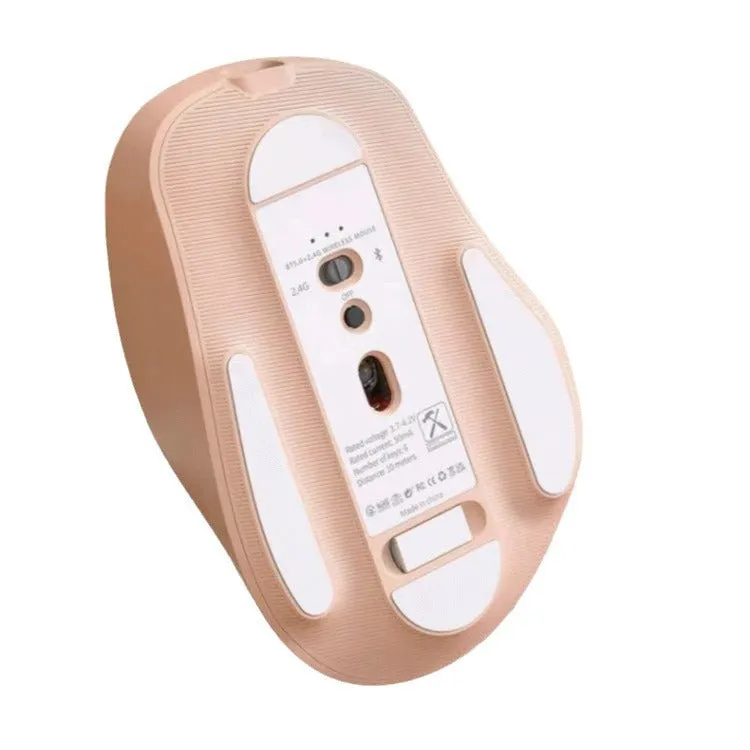
Bluetooth pairing connects the mouse to laptops, desktops, and tablets without needing a dongle. This reduces cable mess and allows quick switching between devices. The 0.5-metre charging cable provides power when needed.
Size and Practical Fit
At 110 by 65 by 38 millimetres (converted from cm as likely a typo in source; assuming 110x65x38 mm typical for a mouse), the mouse is compact enough for portable use and comfortable for extended office sessions. Its white finish blends into most work environments.
Uses and Placement
The mouse serves multiple roles in office, home, and educational settings where input variety and translation are useful.
Office and Presentation Work
Use the mouse for standard cursor control, scroll through PPT slides, and annotate documents. The built-in translation function helps when working with foreign language materials or during international calls.
Everyday Home and Study Use
Students and home users can write or draw directly on screen, fill online forms, and translate text without switching devices. The Bluetooth connection works with tablets and laptops alike.
Benefits and Buying Value
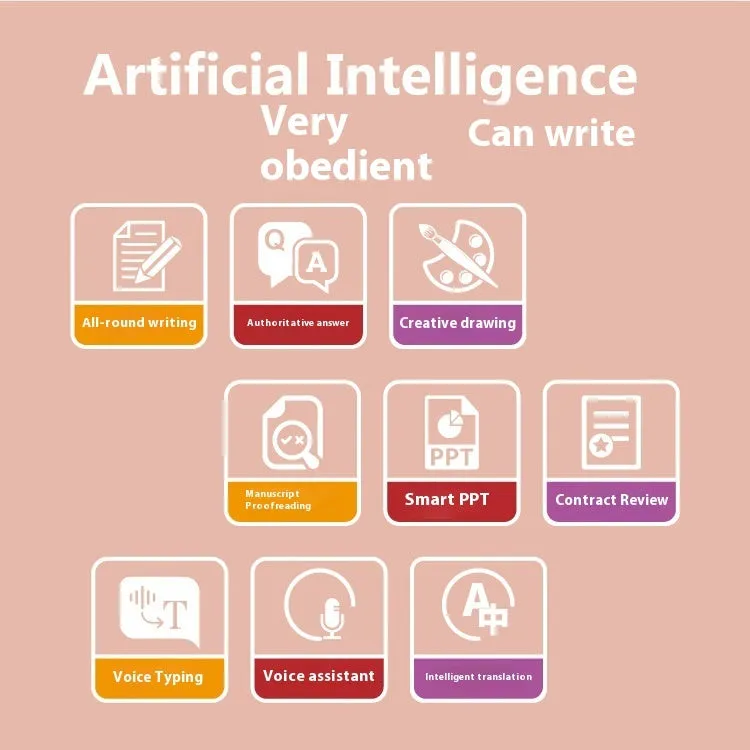
This mouse replaces several separate tools, saving desk space and simplifying your workflow.
Reuse and Low Maintenance
With a charging cable and no need for disposable batteries, the mouse reduces ongoing costs. The manual provides basic setup guidance for long-term use.
Why Choose This Product
By combining writing, drawing, PPT control, and translation into one input device, this mouse offers a practical all-in-one solution for office professionals and frequent presenters. Two specification versions suit different regional software requirements.